![Cars in Fixa - Brazil [BETA]](https://static.gameloop.com/img/9d5fa656dbadb3eb7211594a1fd387b9.png?imageMogr2/thumbnail/172.8x172.8/format/webp)
Cars in Fixa - Brazil [BETA] PC
Milesoft™
قم بتنزيل Cars in Fixa - Brazil [BETA] على جهاز الكمبيوتر باستخدام GameLoop Emulator
Cars in Fixa - Brazil [BETA] على الكمبيوتر الشخصي
Cars in Fixa - Brazil [BETA] ، القادم من المطور Milesoft™ ، يعمل على نظام Android في الماضي.
الآن ، يمكنك لعب Cars in Fixa - Brazil [BETA] على جهاز الكمبيوتر باستخدام GameLoop بسلاسة.
قم بتنزيله في مكتبة GameLoop أو في نتائج البحث. لا مزيد من الانتباه إلى البطارية أو المكالمات المحبطة في الوقت الخطأ بعد الآن.
ما عليك سوى الاستمتاع بجهاز Cars in Fixa - Brazil [BETA] على الشاشة الكبيرة مجانًا!
Cars in Fixa - Brazil [BETA] مقدمة
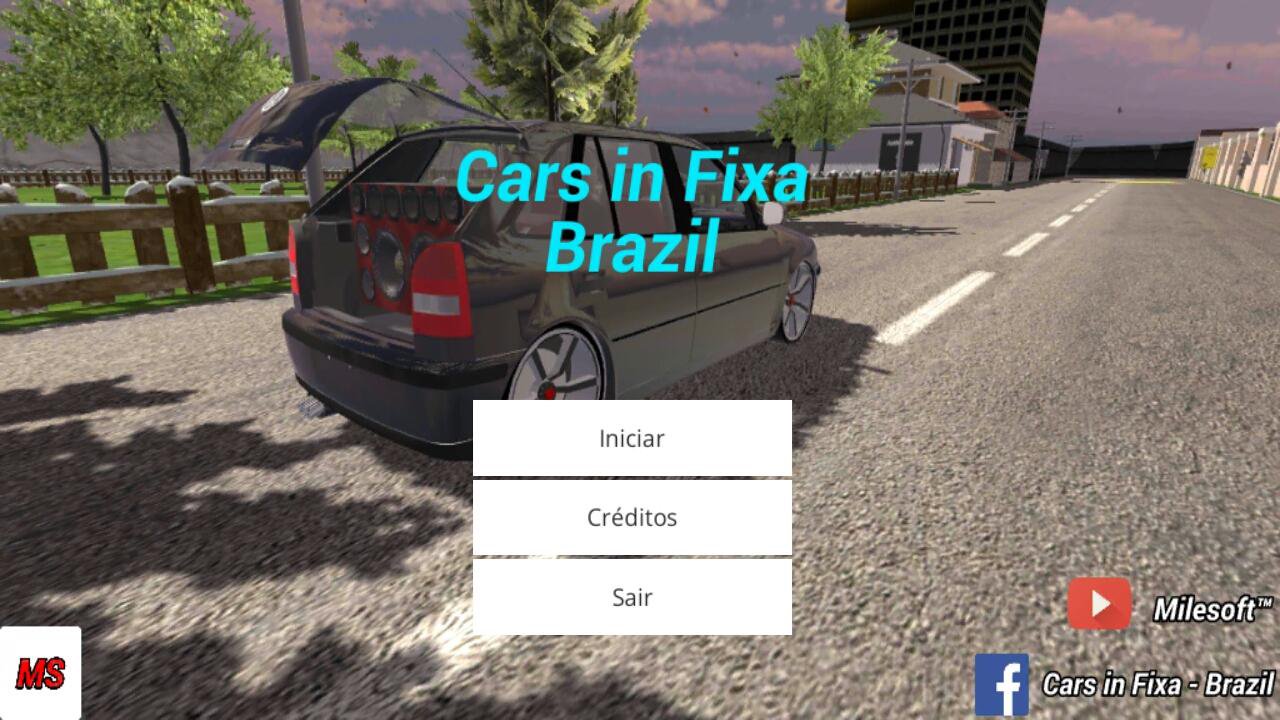
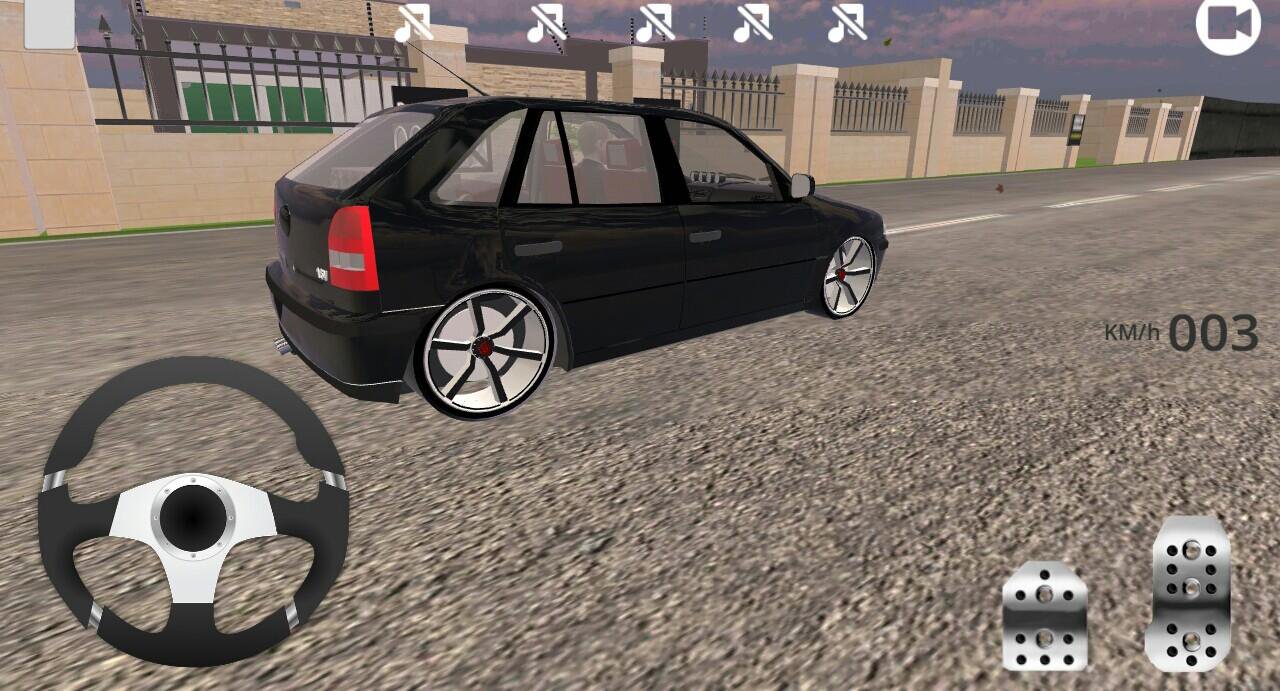
Cars in Fixa - Brazil, a BETA game, made inside a car, where you can travel through the open world of the game.
For now the Beta of the game still has a city, but soon we will have more.
Official Channel: https://www.youtube.com/channel/UCrtv4lORmaOFq99YFyxr2HQ
If your phone is below these Minimum Requirements, we are not responsible if your game is locking or closing on its own.
Minimum requirements:
Android 4.4
Processor: Quad - Core
RAM: 1.5 GB
(If your phone is within these Requirements and your game crashes or closes by itself, restart your phone, open the Pause Menu and set it to "Ultra Low" Graphic Quality.
Buy a Land or a Billboard, and have fun.
Instructions:
To open the Pause Menu, press the (Back) button on your cell phone.
To choose the Graphic Quality, open the Pause Menu and choose the options that you have.
To open the Trunk [Luggage compartment] press the (Square) button in the upper left corner of the screen.
To move the Camera, press your finger on the screen and rotate as far as you want, then stop your finger and release it.
In the Start Menu press on the screen (better in the name of the Game) and wait between 8/20 secs [Depending on your cell phone], until you open the Main Menu.
To lower your car, drag the ball on the left side of the screen down, or up.
معاينة
العلامات
محاكاةمعلومة
مطور
Milesoft™
احدث اصدار
2.4
آخر تحديث
2017-06-16
فئة
محاكاة
متاح على
Google Play
أظهر المزيد
كيف تلعب Cars in Fixa - Brazil [BETA] مع GameLoop على جهاز الكمبيوتر
1. قم بتنزيل GameLoop من الموقع الرسمي ، ثم قم بتشغيل ملف exe لتثبيت GameLoop.
2. افتح GameLoop وابحث عن "Cars in Fixa - Brazil [BETA]" ، وابحث عن Cars in Fixa - Brazil [BETA] في نتائج البحث وانقر على "تثبيت".
3. استمتع بلعب Cars in Fixa - Brazil [BETA] على GameLoop.
Minimum requirements
OS
Windows 8.1 64-bit or Windows 10 64-bit
GPU
GTX 1050
CPU
i3-8300
Memory
8GB RAM
Storage
1GB available space
Recommended requirements
OS
Windows 8.1 64-bit or Windows 10 64-bit
GPU
GTX 1050
CPU
i3-9320
Memory
16GB RAM
Storage
1GB available space